Franchise Set UP-User Guide
This guide will help you set up your organization details and configure franchise locations, providing everything you need to establish and manage each branch efficiently.
Franchise Setup Module
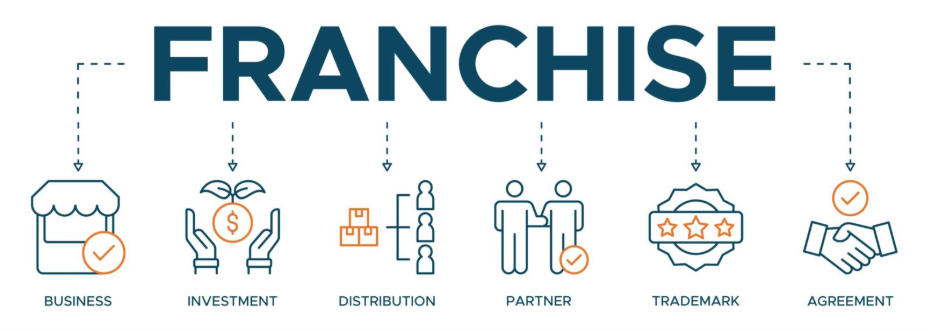
The Franchise Setup module is designed to configure and manage both organizational details and individual franchise locations. It ensures consistency across the brand while allowing customization for local requirements.
Modules
1. Organization
-
- Purpose: Capture and maintain global organizational details.
- Components:
- Organization Form: Enter core organizational information.
- Address: Define the registered address of the organization.
- Contact: Add primary contact details.
- Browse File: Upload relevant organizational documents.
- Functionality: Enables creation and management of organization-level data
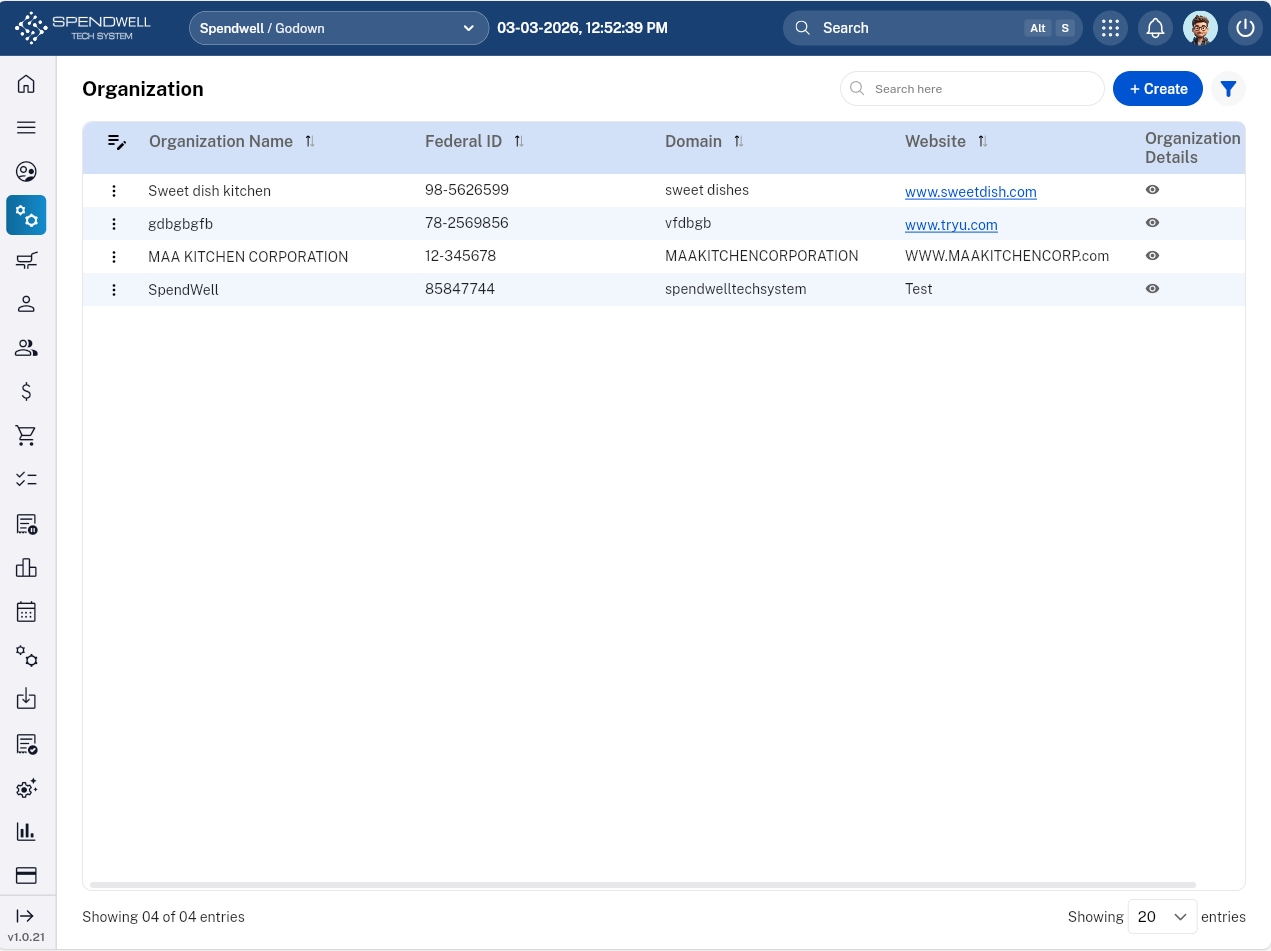
Figure: Organization module
2. Franchise Location
-
- Purpose: Configure details specific to each franchise branch.
- Components:
- Location Details:
- Franchise Details
- Business Details
- Location Details
- Contact Details
- Business Licenses and Permits
- Document Attachment
- Bank Details: Record financial and banking information.
- Location Details:
- Functionality: Allows creation and management of franchise-specific information, ensuring compliance with both global rules and local parameters.
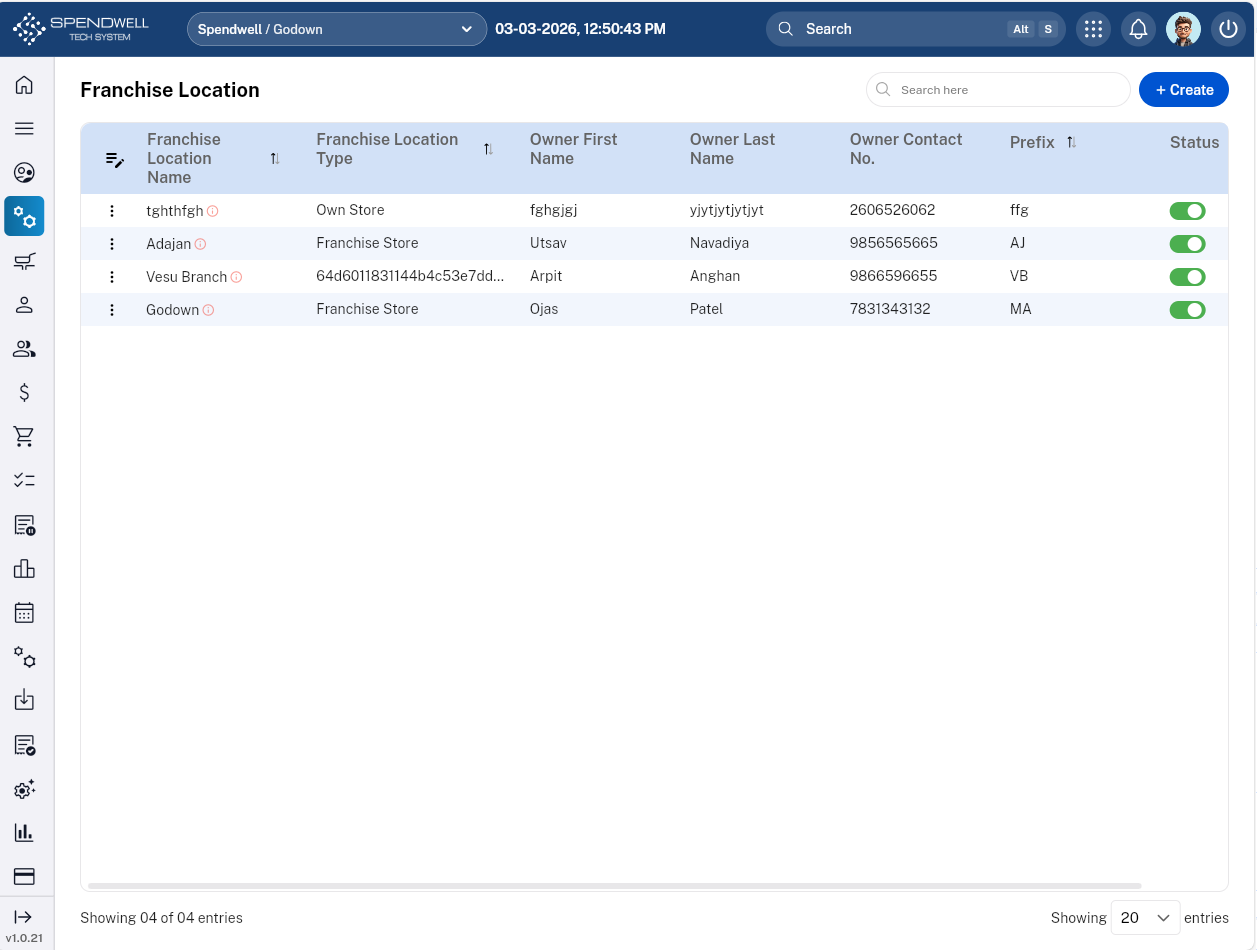
Figure: Franchise Location
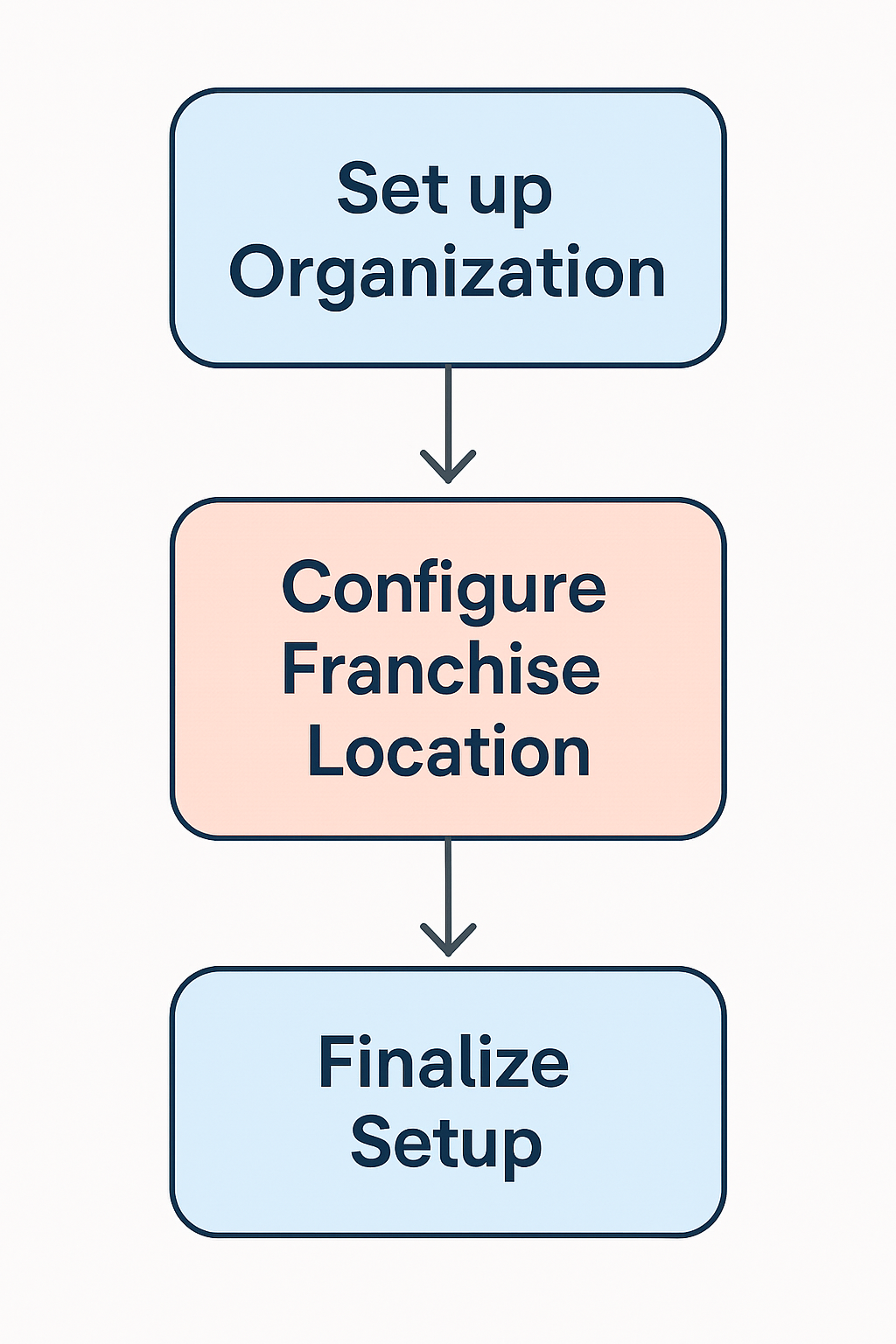
Workflow Overview
- Set up Organization → Enter global details (forms, address, contacts, documents).
- Configure Franchise Location → Add branch-specific information (business, licenses, bank details).
- Finalize Setup → Ensure both modules are complete for smooth franchise operations.
Module 3: Employee Group
Objective:To define standardized labor rules, leave entitlements, and operational permissions for specific tiers of kitchen staff.
Core Components & Data Fields
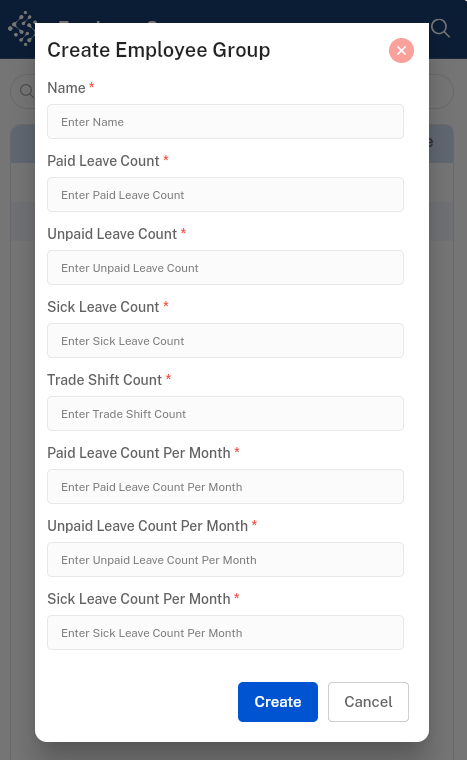
The "Create" form for this module acts as a template for labor compliance and scheduling flexibility.
|
|
|
|
|
|
|
|
|
|
|
|
|
|
|
|
|
|
|
|
|
Functional Components
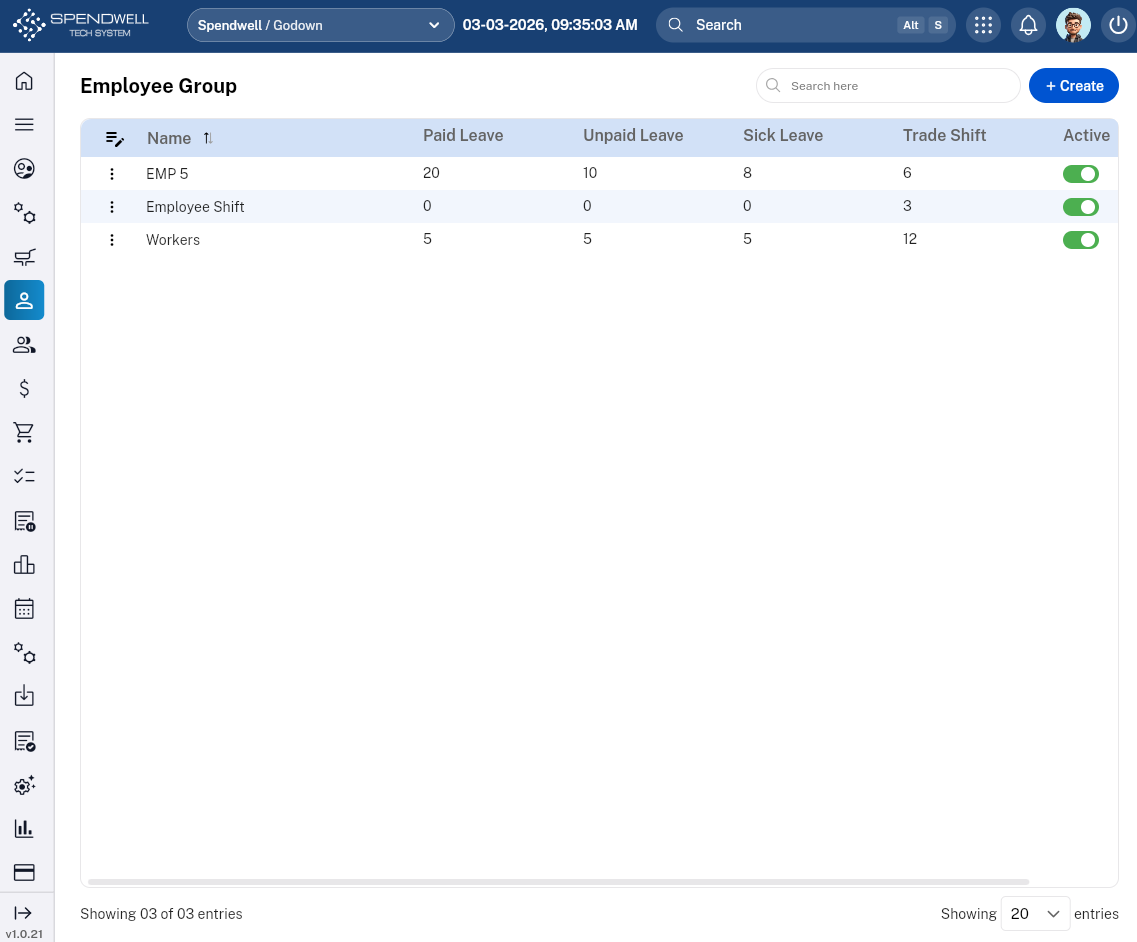
Search Bar:Quick-filter groups by name (e.g., searching "Front" to find "Front of House").
'Create' Button:Opens the configuration suite for a new group.