Employee management
This guide will help you manage employee groups, configure leave policies, create employee profiles, and define employee types. It provides everything you need to organize and maintain your workforce effectively.
Employee Group
-
Objective: Organizes your workforce into structured categories, making management and permissions easier.
Key Functions
-
Create and manage employee groups
-
Assign employees to specific groups
-
Use groups for access control, workflows, or reporting
Core Components & Data Fields
The "Create" form for this module acts as a template for labor compliance and scheduling flexibility.
|
Field / Component |
Description |
Professional Utility |
|
Group Name |
Text input (e.g., "Executive Team," "Staging/Interns"). |
Categorizes staff for easier scheduling. |
|
Paid Leave |
Numerical input (Days per Year). |
Automates benefit tracking for full-time staff. |
|
Unpaid Leave |
Numerical input (Days per Year). |
Sets boundaries for part-time or casual labor. |
|
Sick Leave |
Numerical input (Days per Year). |
Essential for health safety (HACCP) compliance. |
|
Trade Shift |
Toggle (Yes/No) |
Determines if this any employee wants to exchange his/her shift with another employee. |
|
Status |
Toggle (Active/Inactive) |
Instantly enables/disables all permissions for this group. |
Functional Components
-
Search Bar: Quick-filter groups by name (e.g., searching "Front" to find "Front of House").
-
'Create' Button: Opens the configuration suite for a new group.
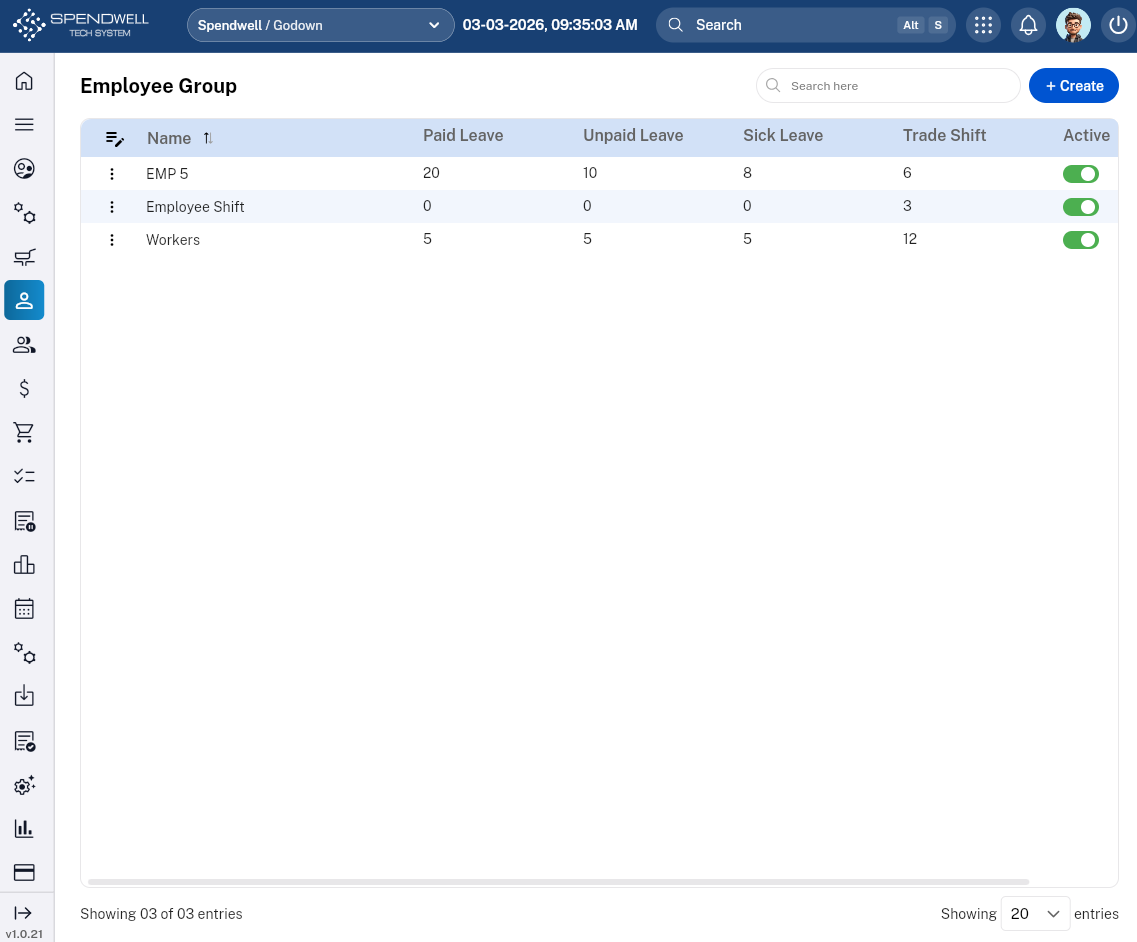
Figure: Employee Group
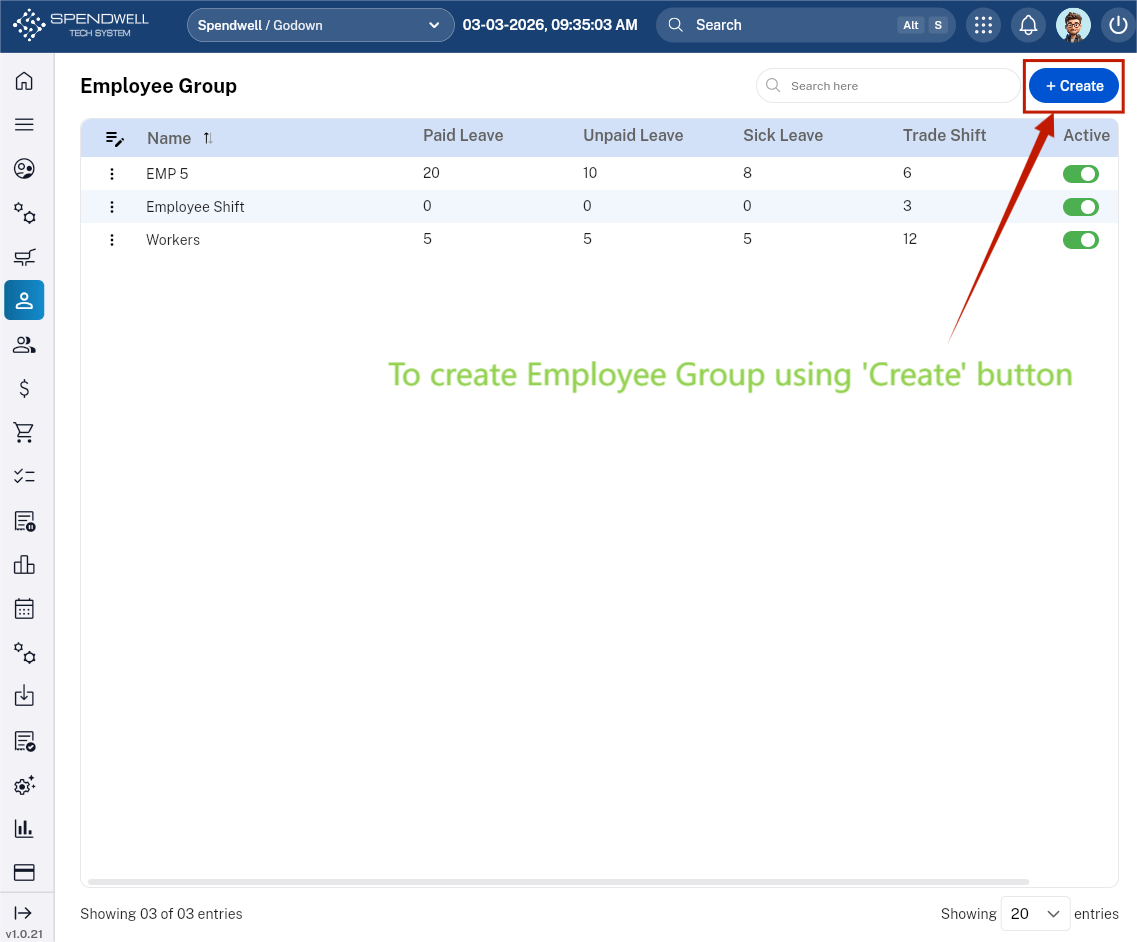
We can create an Employee Group along with different parameters:
-Name
-Paid leave count
-Unpaid leave count
-Sick leave count
-Trade shift count
-Paid leave count per month
-Unpaid leave count per month
-Sick leave count per month
Leave Management
Objective: Ensures smooth, transparent, and accurate handling of employee leave requests and policies.
The Leave Management sub‑module handles all leave‑related policies and employee leave configurations.
Key Functions
-
Define leave types (e.g., Casual Leave, Sick Leave, Earned Leave)
-
Set leave rules, entitlements, and carry‑forward limits
-
Configure approval processes
-
Track leave balances
Components:
- Search Bar: Filter by Employee Name, Date, Duration or Leave Type (e.g., "Sick Leave").
- 'Create' Button (Request Leave): Opens a standardized form for staff or managers to log a new absence.
- Created List (The Dashboard): A high-visibility view showing all historical leave entries.
- Functionality: Enables the creation and management of employee leave records, ensuring that leave requests comply with available entitlements and receive proper manager approval.
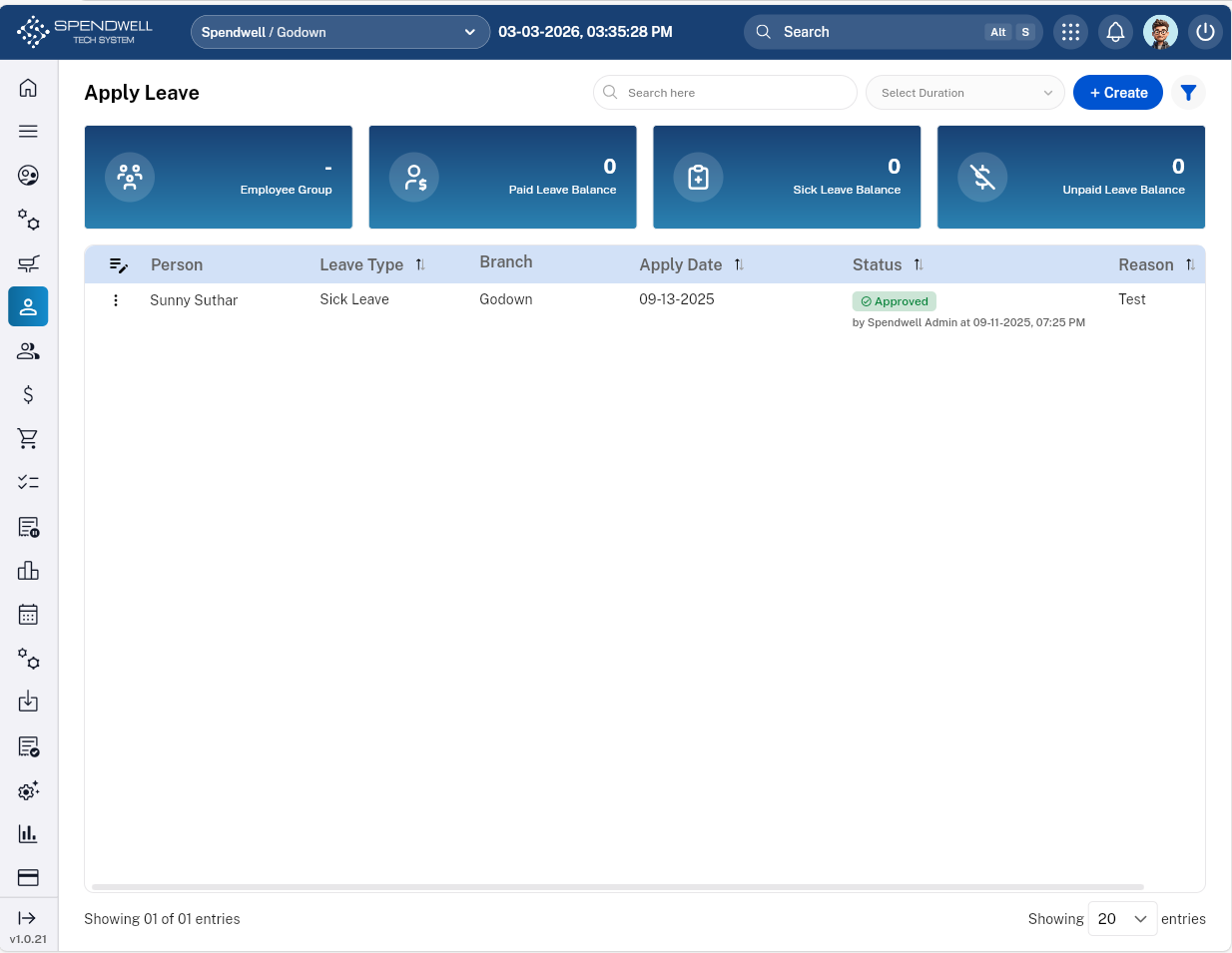
Figure: Leave Management
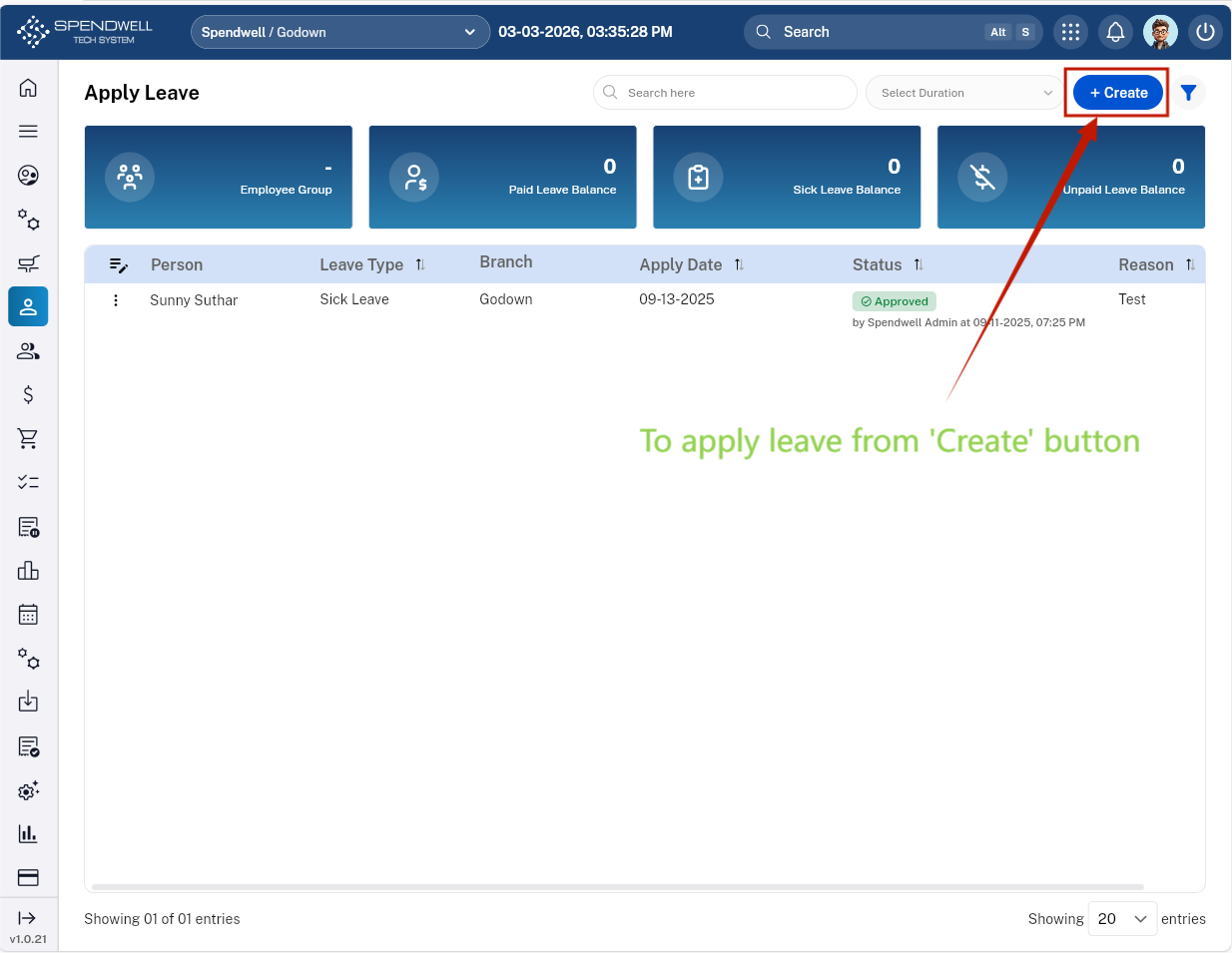
Figure: Leave Management [Create Leave]
Users can apply leave(s) along with different parameters:
-Leave Date(s)
-Leave Type
-Reason
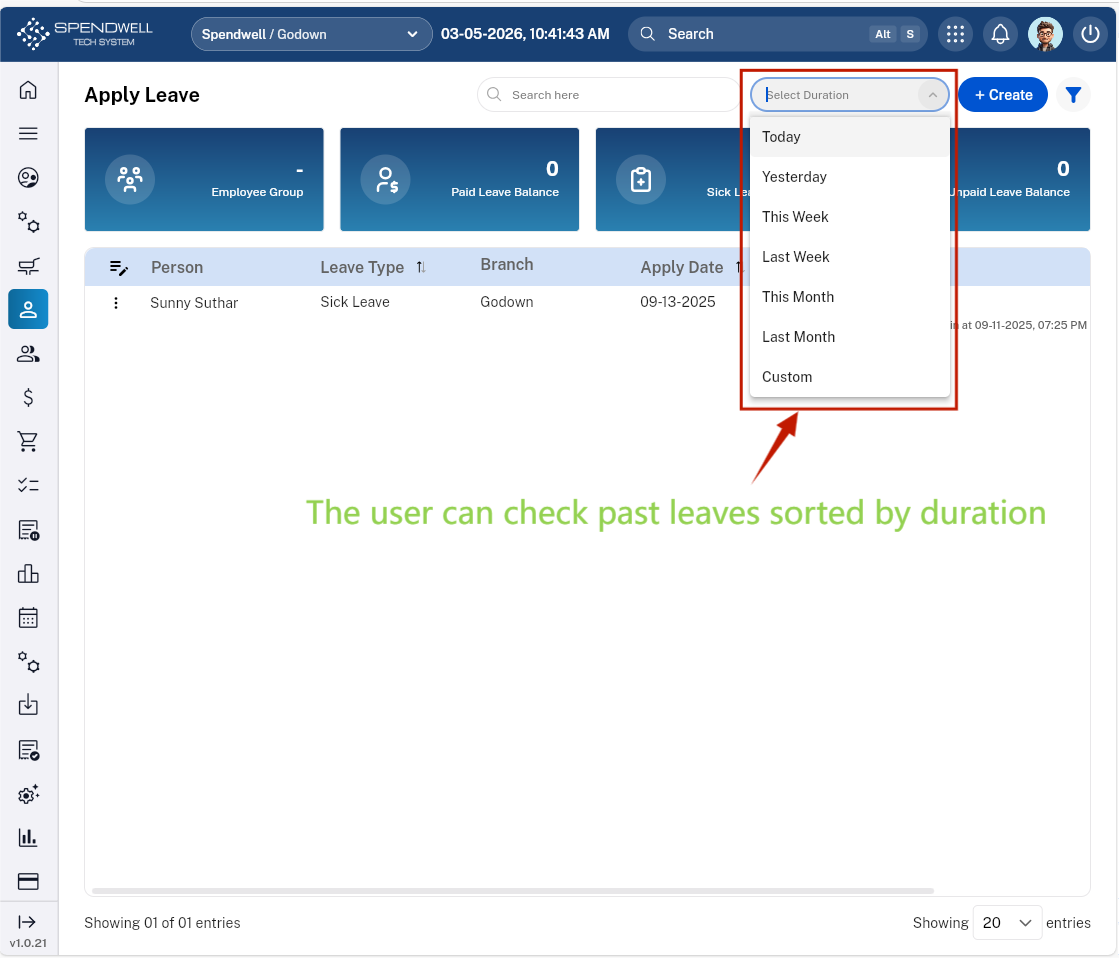
Figure: Leave Management [Past Leave Duration]
-Users are able to review past leaves categorized by duration.
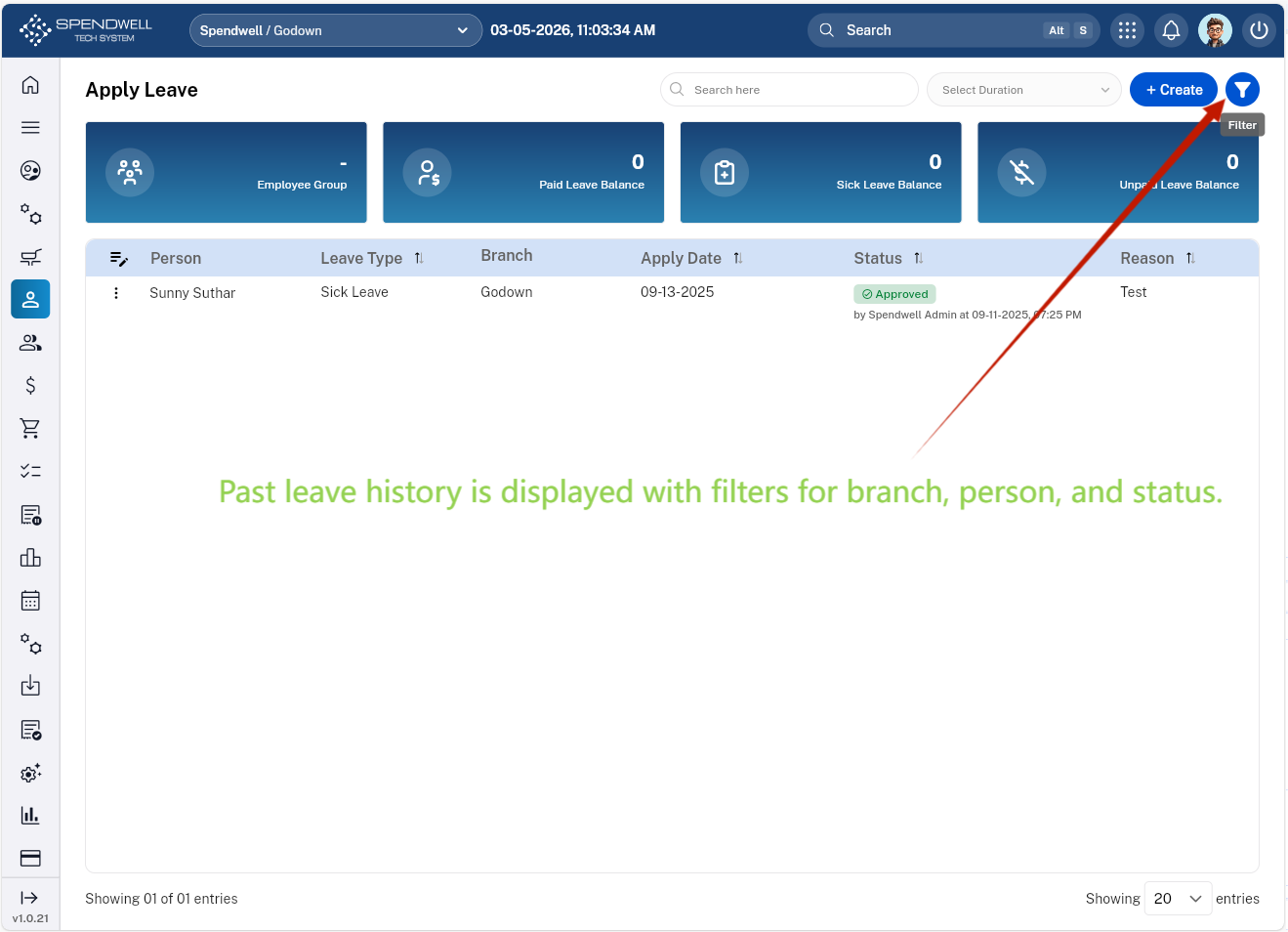
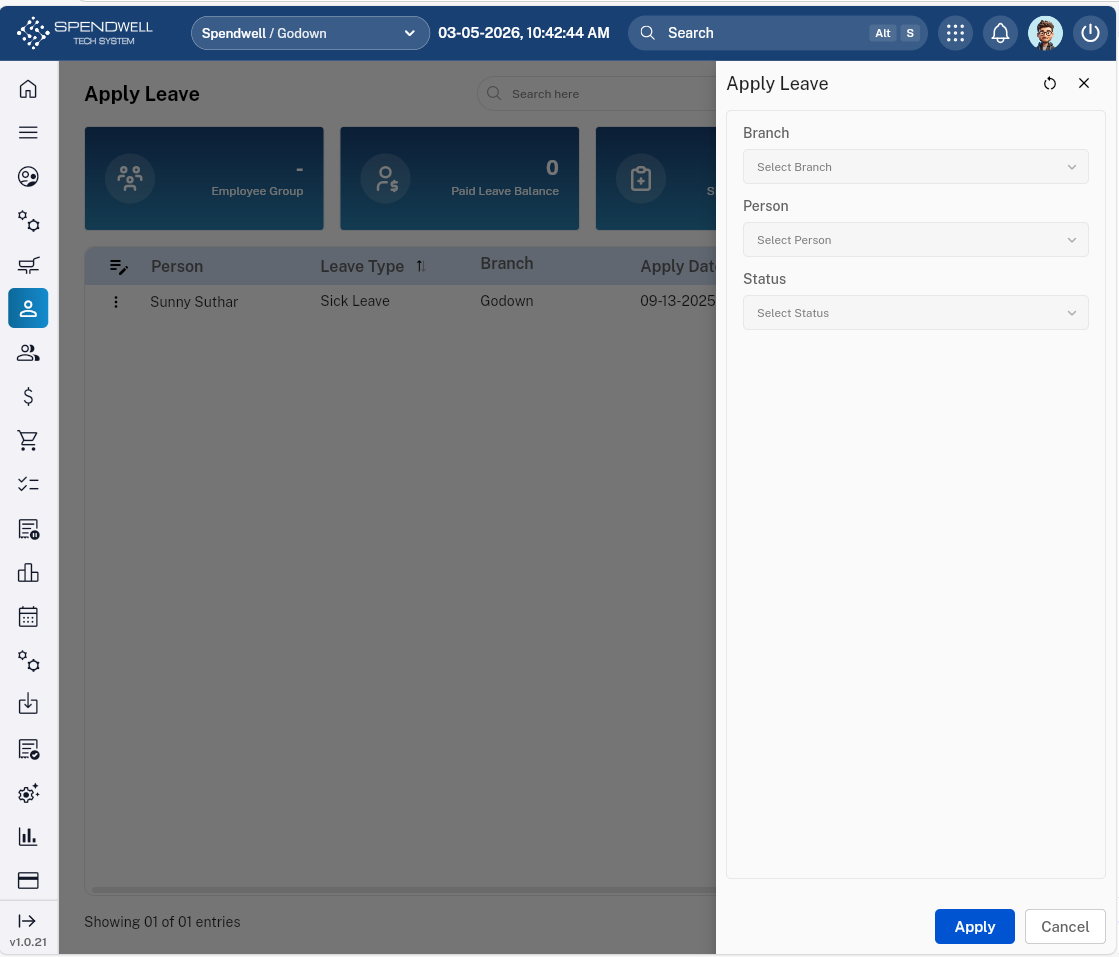
Figure: Leave Management [Filter leave history by branch, employee, or status]
-Users are able to filter past leaves based on branch, person, and status.
Employee
Objective: Maintains a centralized employee directory with all essential details for HR, payroll, and operations.
This sub‑module is used to create and maintain complete employee profiles.
Key Functions
-
Add new employees with employment details, personal, payroll details, Address details, Emergency contact details, and Identity documents
-
Record joining date, role, salary structure, and identification documents
-
Manage employee type (Fixed-term/Seasonal, Temporary, Part-time, Full-time)
-
Update employee information as needed
- Functionality: Facilitates the creation and management of individual employee records, ensuring accurate documentation of personal details, employment information, and supporting documents for streamlined workforce administration.
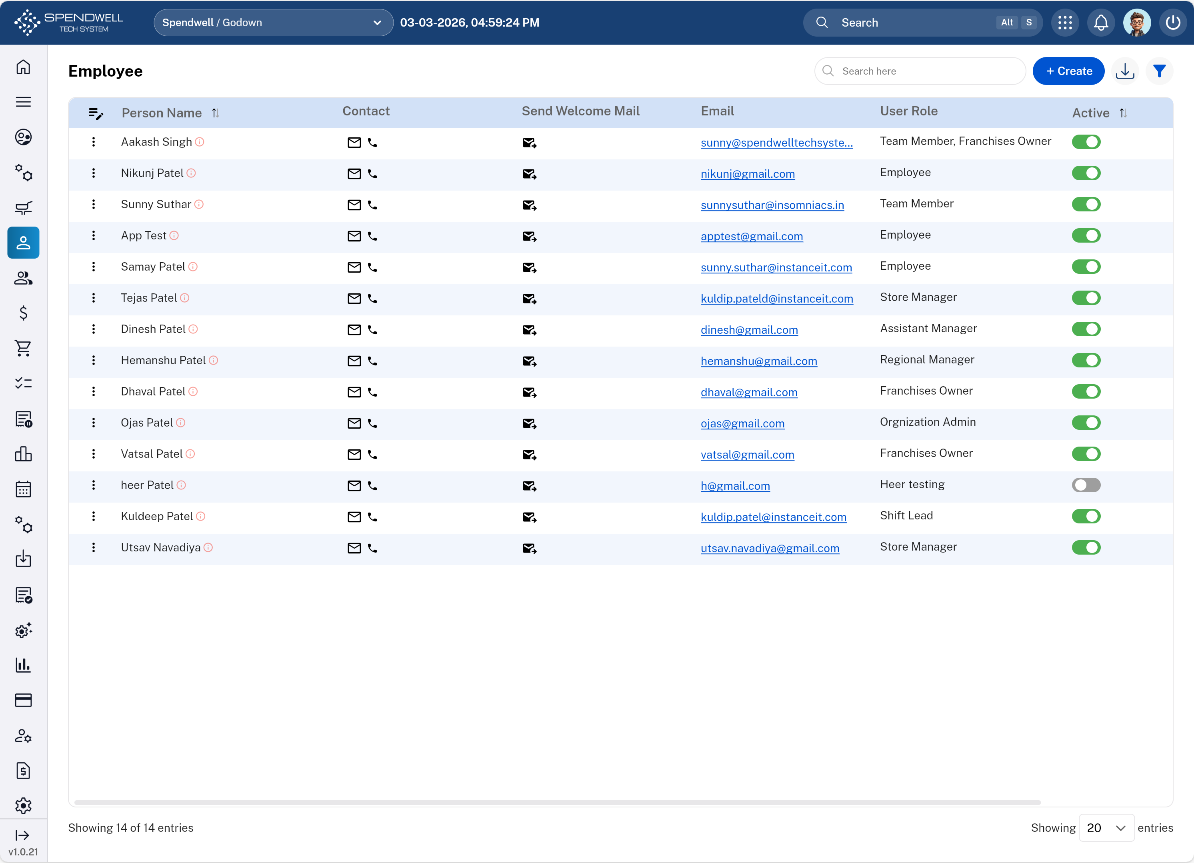
Figure: Employee
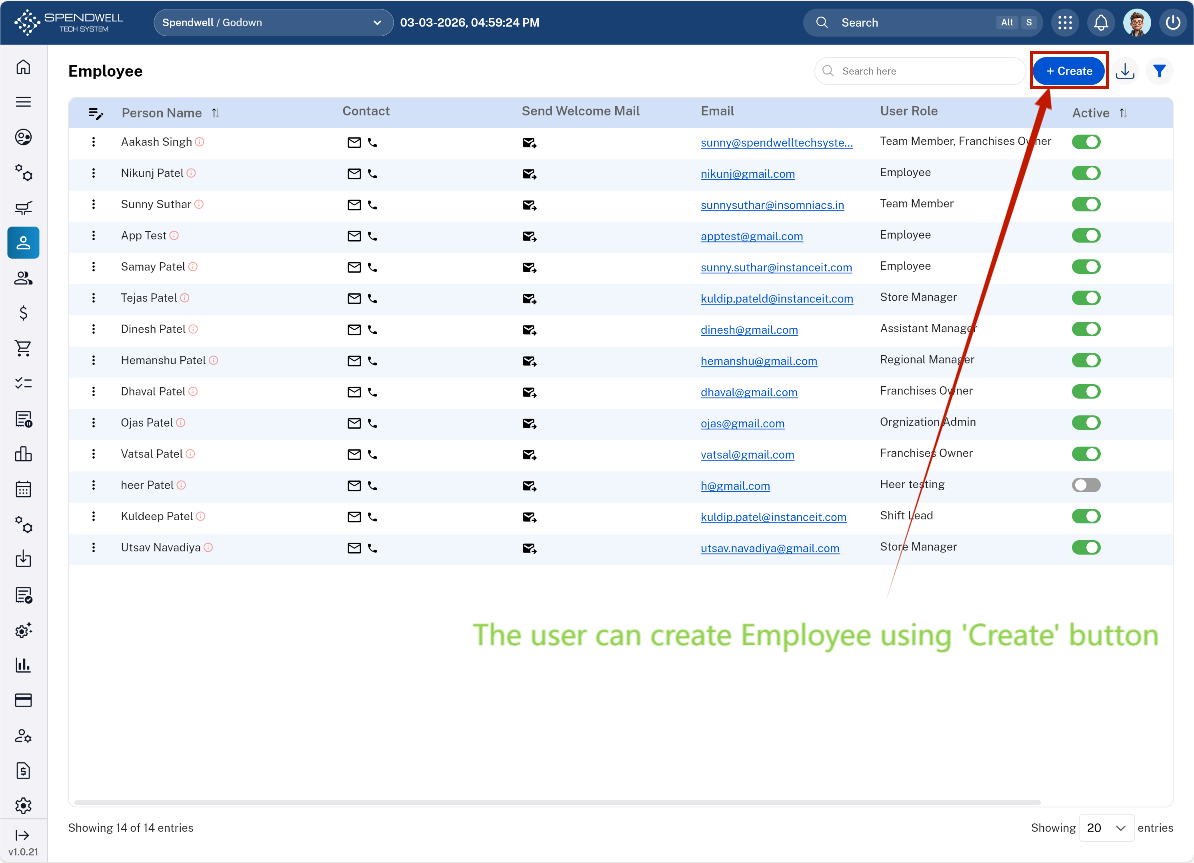
Figure: Employee[Employee Creation]
Users are able to create employee along with different parameters:
-Employee Details
-Personal Details
-Payroll Details
-Address Details
-Emergency Contact Details
-Identity Documents
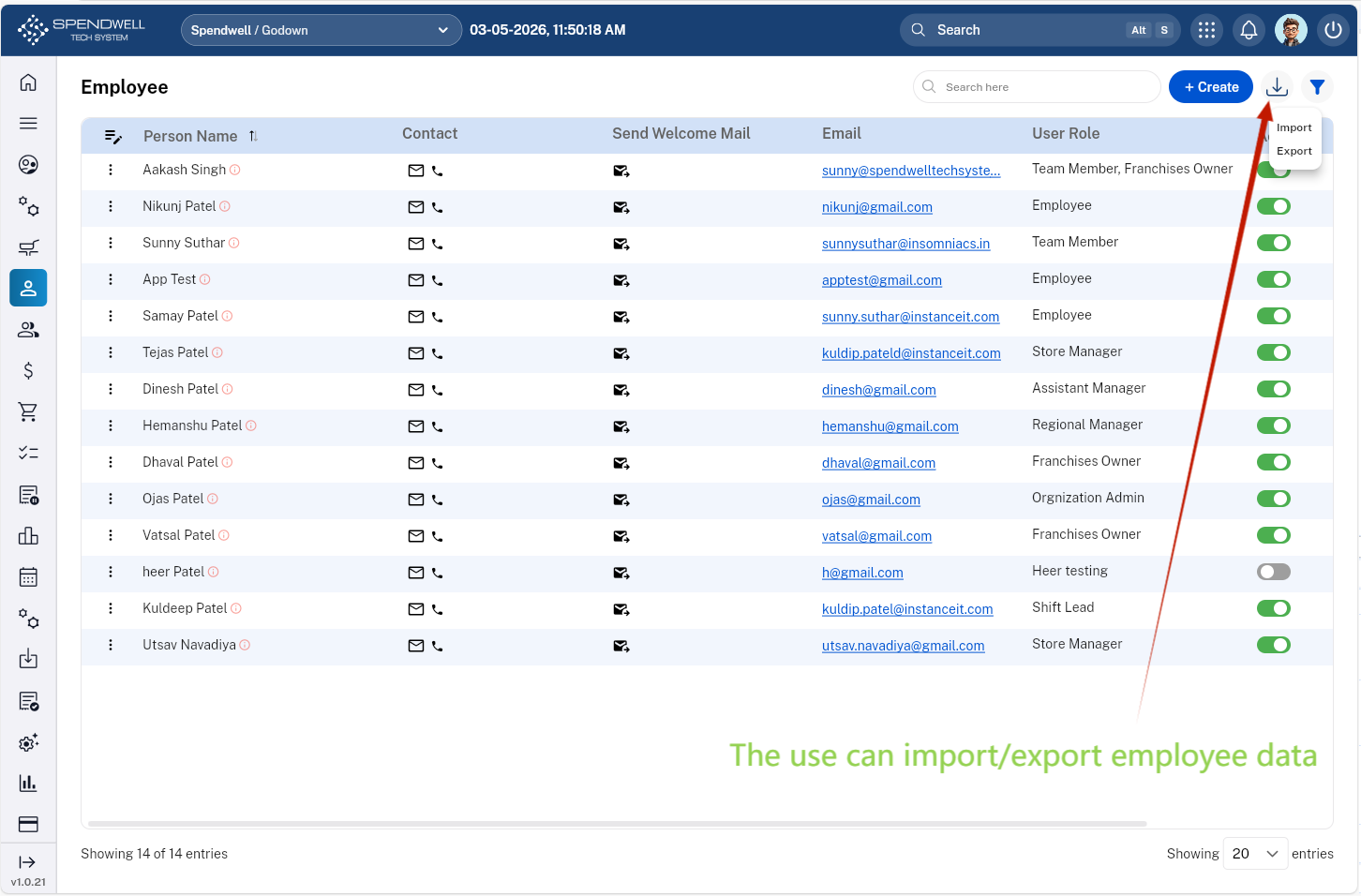
Figure: Employee[Employee data import/export operation]
-Users are able to import and export employee data as needed.
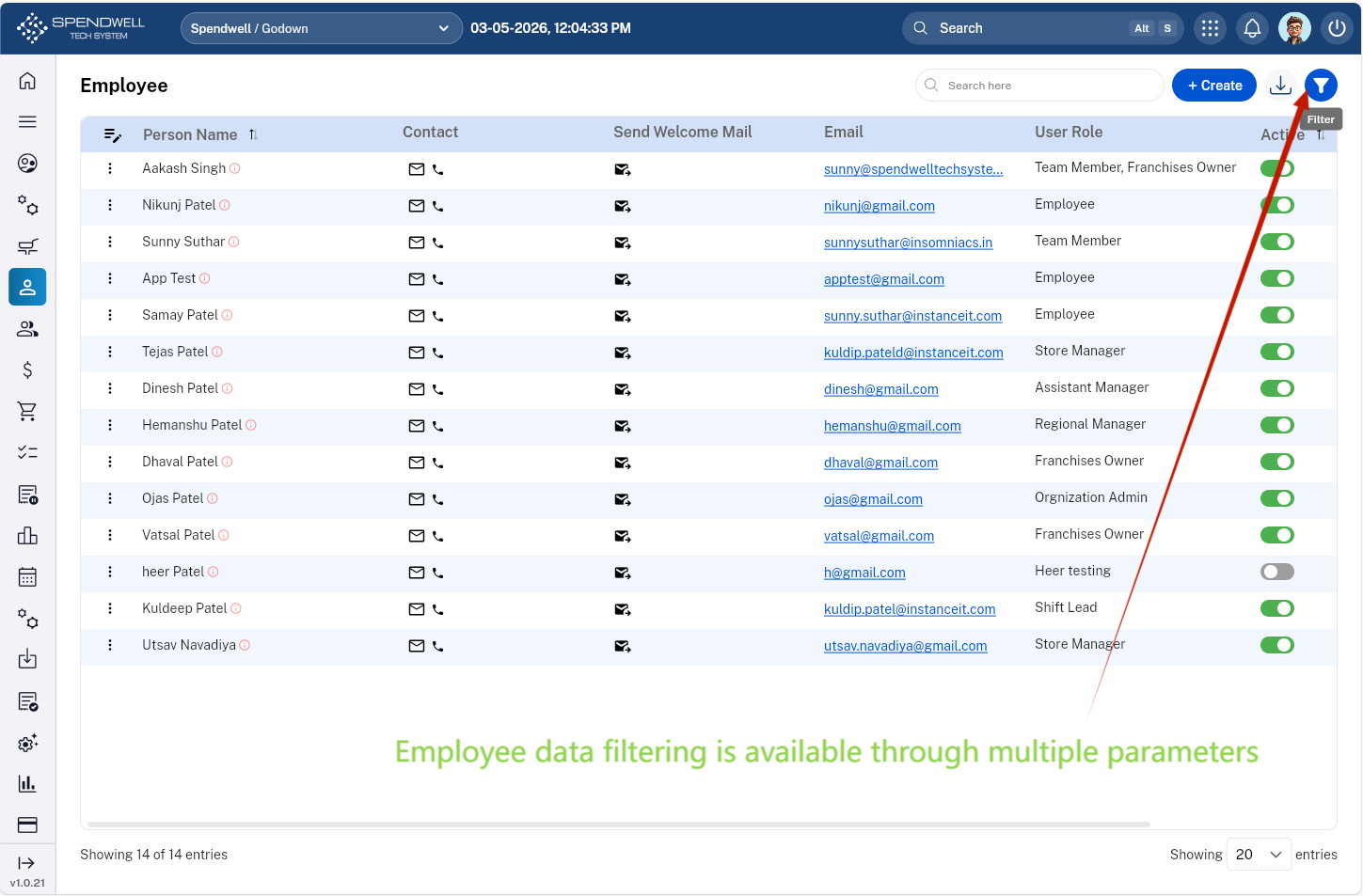
Figure: Employee [Filter Employee data]
The user can filter employee records by fields such as
-User Role
-Person Name
-Contact
-Send Welcome Mail
-Email
Employee Type
Objective: Ensures every employee is assigned to the correct employment category, supporting accurate HR and payroll configurations.
The Employee Type sub‑module classifies employees based on employment structure.
Key Functions
Define employee types such as:
-
Full‑time
-
Part‑time
-
Contract/Fixed-term/Seasonal
-
Temporary
-
Intern
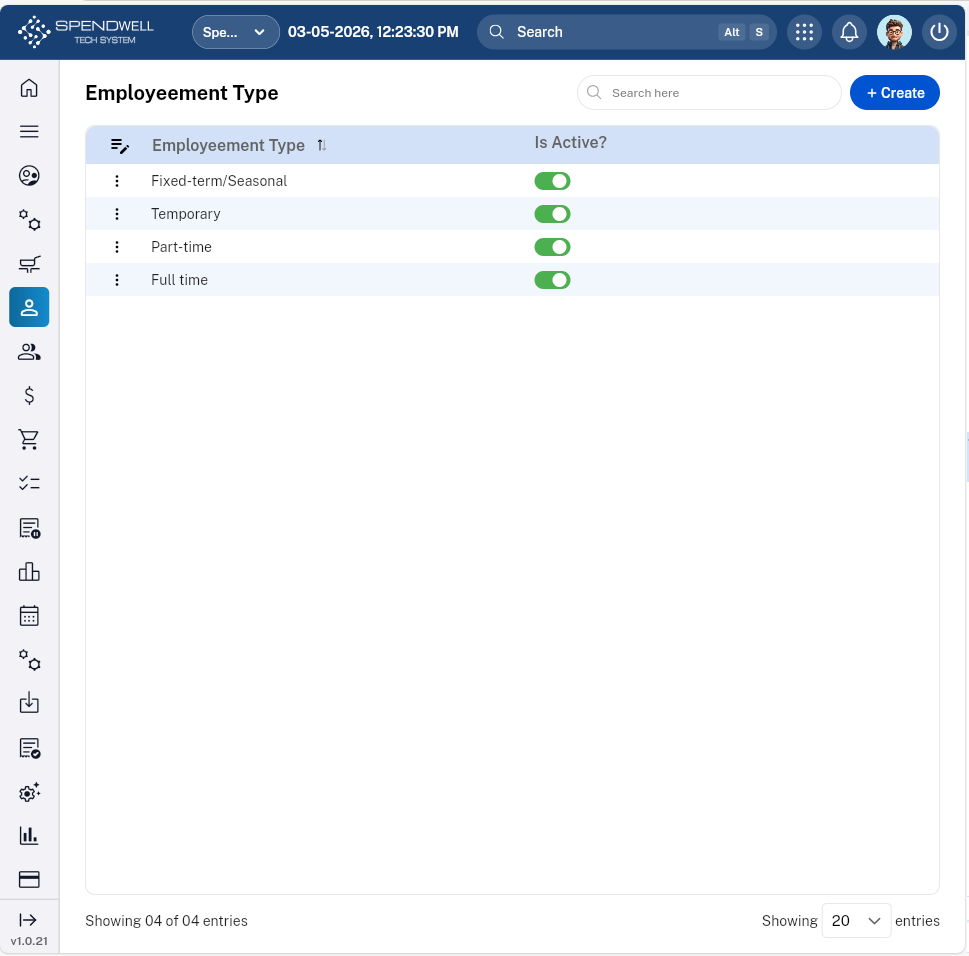
Figure: Employment Type
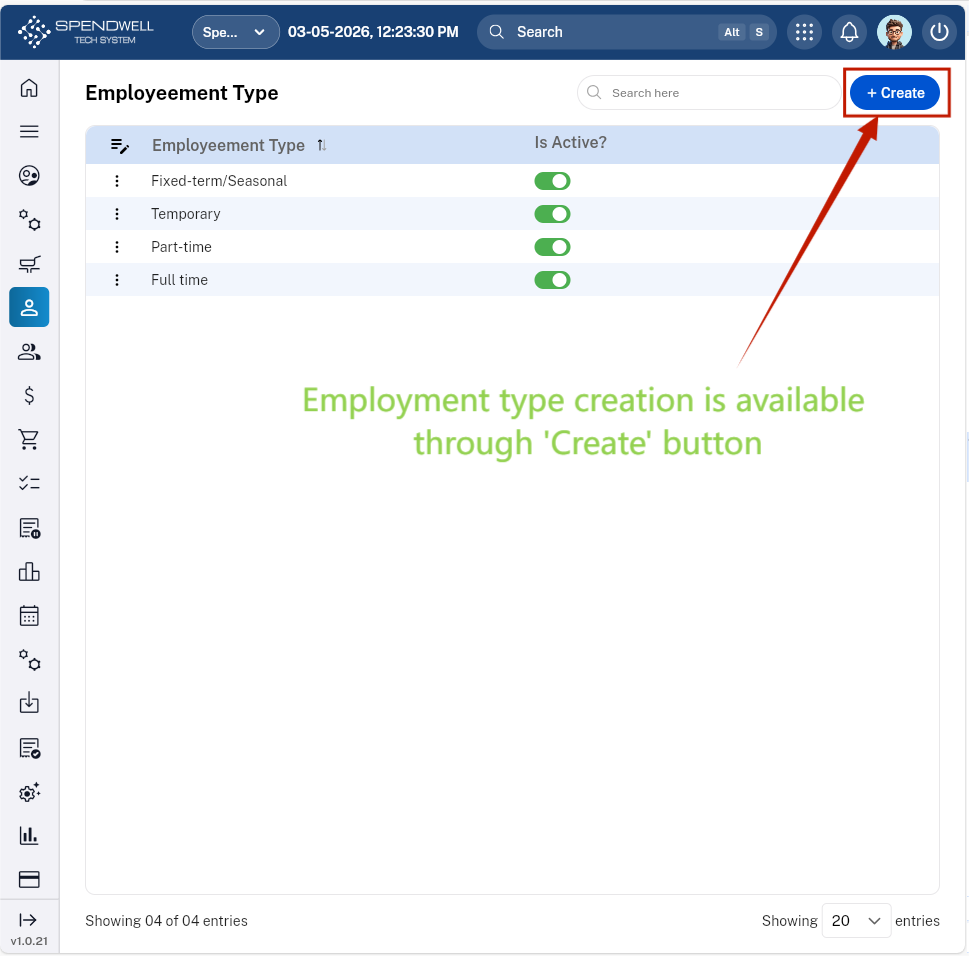
Figure: Employment Type [Employment Type Creation]